 Beginner
Track Planning Mastery: Design Layouts That Actually Work
Essential principles for designing smooth-running, operationally interesting layouts
Why Track Planning Is the Most Important Skill
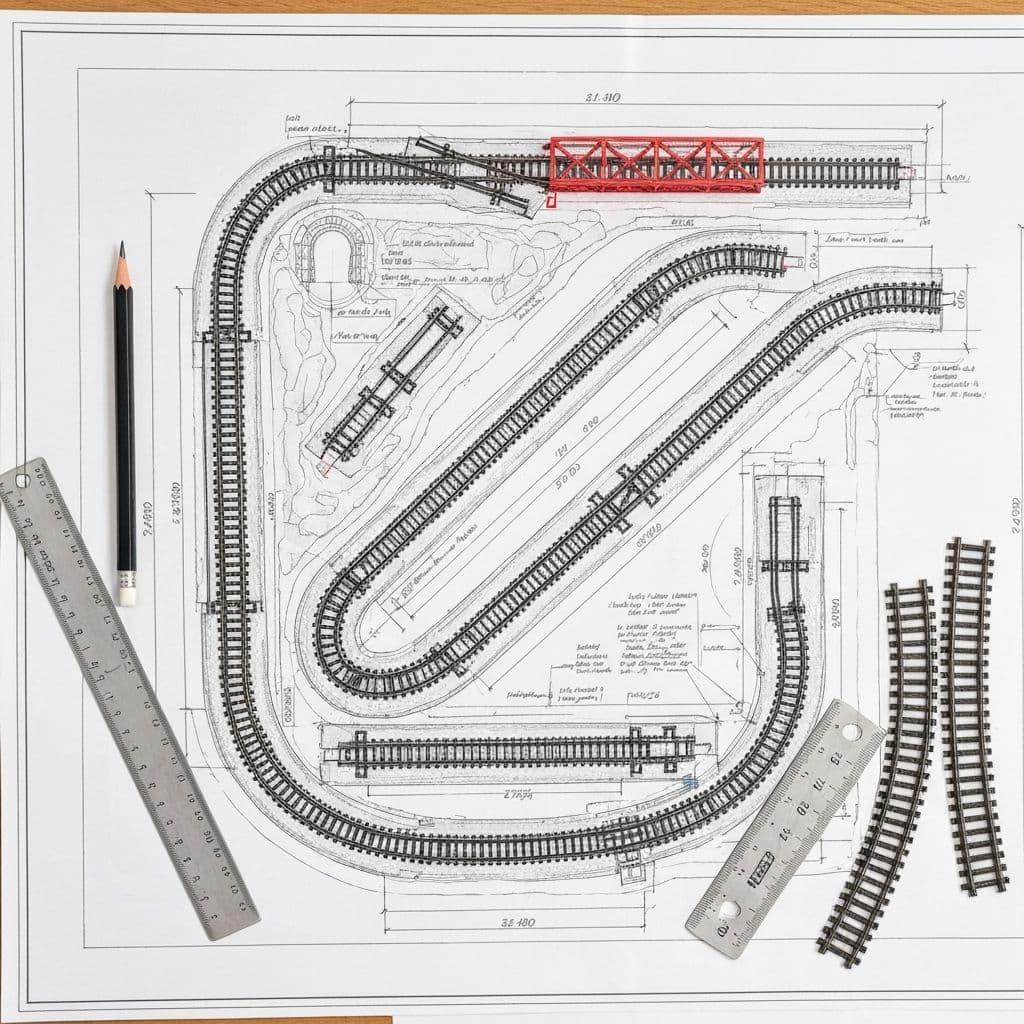
A thoughtful track plan is the foundation of every successful model railroad. Poor planning leads to frustration, wasted money, and layouts that never get finished. Good planning creates layouts you'll enjoy for decades.
The Cost of Poor Planning
Too many modelers start laying track without a plan, then discover: - Track doesn't fit the available space - Curves are too tight for their equipment - There's nothing interesting to do operationally - They can't reach areas for maintenance - The layout looks unrealistic
These problems often mean starting over—wasting materials and enthusiasm. An hour of planning saves dozens of hours of frustration.
What Makes a Good Track Plan?
A successful track plan balances multiple factors: - Reliability: Trains run smoothly without derailments - Operations: There's purposeful work for the railroad to do - Visual Appeal: Scenes look realistic and interesting - Maintainability: All track is accessible for cleaning and repairs - Buildability: The plan is achievable with available skills and budget
The Planning Process
Professional track planning follows this sequence: 1. Define goals (era, railroad, operations style) 2. Analyze available space (dimensions, obstacles, access) 3. Establish key scenes and industries 4. Route the mainline through scenes 5. Add passing sidings and yards 6. Include staging for trains "offstage" 7. Verify all constraints (radius, grades, clearances) 8. Refine until everything works
MODELTRAINS.AI's AI Layout Assistant accelerates this process, generating initial plans based on your parameters that you can then refine.
Paper vs. Digital Planning
Both methods work: - Paper: Immediate, intuitive, good for initial brainstorming - Digital: Precise, easily modified, calculates automatically
Most planners use both—rough sketches on paper, then digital for final plans.
Understanding Track Geometry and Minimum Radius
Track geometry determines what equipment can run on your layout. Understanding minimums and optimums helps you make smart design decisions.
The Radius Concept
Curved track is measured by radius—the distance from the track to the center of the circle it would form if extended. Larger radius = gentler curve = more realistic appearance and better operation.
HO Scale Minimum Radius Guidelines
- 15" radius: Absolute minimum, only for industrial spurs
- 18" radius: Common in starter sets, limits equipment choices
- 22" radius: Practical minimum for reliable operation
- 24" radius: Allows most modern equipment including long passenger cars
- 28" radius: Smooth appearance, handles anything
- 32"+ radius: Prototypically realistic, requires significant space
Why Radius Matters
Tight curves cause problems: - Long cars overhang and strike adjacent equipment - Body-mounted couplers bind on curves - Locomotives with long wheelbases derail - Appearance suffers—trains look toylike
Real railroads use curves measured in degrees per 100 feet. Even sharp prototype curves equal 30"+ radius in HO scale.
Easements and Superelevation
Real railroads transition gradually from straight to curved track. Model this with: - Easements: Gradually tightening radius entering curves - Superelevation: Outer rail slightly higher than inner
Commercial flex track makes easements easy—just bend gradually rather than abruptly.
Turnout Numbers Explained
Turnouts (switches) are rated by "frog number"—the angle at which routes diverge: - #4: Tight, industrial use only - #6: Standard for general use - #8: Mainline, better for long cars - #10+: Yard ladders, realistic appearance
Higher numbers require more space but improve operation and appearance.
S-Curves: The Enemy
An S-curve—where one curve immediately reverses into another—causes derailments. Always include straight track between opposing curves. Minimum straight section should equal the longest car on your roster.
MODELTRAINS.AI's layout planner automatically prevents S-curves and verifies minimum radius throughout your design.
Designing for Operations: Beyond Running in Circles
The difference between a track plan and a railroad is operations—giving trains purposeful work to do. Well-designed operations make a small layout feel like a real railroad.
The Purpose of Operations
On a real railroad, every train movement has a purpose: - Freight trains move cars between shippers and receivers - Passenger trains serve travelers between stations - Yard crews sort cars into outbound trains - Maintenance trains keep the railroad running
Model these activities, and your layout becomes a transportation system, not just a toy.
Industries: The Heart of Operations
Industries give freight trains work to do. Each industry needs: - A siding or spur track for car placement - Logical inbound and/or outbound commodities - Space for a reasonable number of cars
Classic industries for model railroads: - Grain elevators: Inbound empty hoppers, outbound loaded - Lumber yards: Inbound flat cars with lumber - Freight houses: Various cars, team tracks - Oil dealers: Tank cars, great visual interest - Manufacturing: Raw materials in, finished goods out
The Waybill System
Car cards and waybills create realistic switching: 1. Each car has a card with its identity 2. Waybills indicate current destination 3. Trains pick up and deliver cars per waybills 4. Waybills cycle to create repeating traffic
This simple system creates hours of engaging operation.
Staging: The Outside World
Staging tracks represent the rest of the world—places beyond your modeled scene. Trains depart your visible layout into staging, representing destinations in Chicago, New York, or wherever your railroad connects.
Essential staging features: - Hidden from normal view - Accessible for maintenance - Capacity for multiple trains - Track arrangement matching operations
Passing Sidings and Single Track
Most branch lines were single track with passing sidings. This creates operational interest: - Trains must wait for opposing trains - Meet orders add decision-making - Timetable operation possible
MODELTRAINS.AI's assistant can help you position industries and design operational patterns that match your prototype railroad's actual practice.
Grades: How Steep Is Too Steep?
Adding elevation to your layout creates visual drama—but grades (slopes) must remain within your trains' climbing ability. Understanding grades prevents frustration.
Measuring Grades
Grade is expressed as percentage: vertical rise divided by horizontal run, times 100.
- 2% grade: Rises 2" in 100" of run (or 1" in 50")
- 4% grade: Rises 4" in 100" of run (or 1" in 25")
Real railroads consider 2% a tough climb. Model railroads, with their lighter trains and more powerful (for size) motors, can handle steeper grades.
Recommended Maximum Grades
- 2%: Realistic, any train length works
- 3%: Good compromise, handles most trains
- 4%: Maximum for reliable operation
- 5%+: Only for very short trains or special situations
Calculating Grades
Example: You need to rise 4" in a given distance. - For 2% grade: Need 200" (16.7 feet) of run - For 3% grade: Need 133" (11 feet) of run - For 4% grade: Need 100" (8.3 feet) of run
Use helix (spiral) construction when you need significant elevation in limited space.
Vertical Clearances
When one track passes over another, you need adequate clearance: - Minimum 3" clearance in HO (track base to bottom of train above) - 3.5" preferred for comfortable appearance and maintenance
With 3" clearance plus track thickness plus roadbed, plan for 4" minimum elevation difference between crossing tracks.
Grade Transitions
Abrupt grade changes cause derailments. Transition gradually: - Enter grades at half the maximum rate - Exit grades at half the maximum rate - Use vertical curves where grades meet level track
Compensation for Curves
Trains pull harder on curves. Reduce grade percentage on curved sections: - 18" radius: Reduce grade by 0.75% - 22" radius: Reduce grade by 0.5% - 26" radius: Reduce grade by 0.3%
MODELTRAINS.AI's layout calculator automatically handles these compensation calculations when generating track plans.
Using Track Planning Software and AI Tools
Modern software transforms track planning from tedious drafting to creative design. Choose the right tool for your needs and let technology handle calculations.
Popular Track Planning Software
SCARM (Free):
- Simple Computer Aided Railway Modeller - Extensive track libraries (most manufacturers) - 3D visualization - Best free option
AnyRail ($59):
- Excellent track library - Intuitive interface - Height and grade handling - Good value for hobbyists
XTrackCAD (Free):
- Powerful but steeper learning curve - Parametric track design - Best for complex layouts
RailModeller Pro ($30, Mac only):
- Clean interface - Good visualization - Solid track library
3rd PlanIt ($149):
- Professional-level features - Excellent documentation - Best for serious planners
MODELTRAINS.AI: The AI Advantage
Traditional software requires you to design—placing every track piece, calculating every grade, verifying every clearance. MODELTRAINS.AI's AI Layout Assistant reverses this process.
You describe what you want: - Available space dimensions - Preferred era and railroad - Operating priorities - Must-have features
The AI generates optimized track plans meeting all constraints. You then refine the design, adjusting elements while the AI ensures specifications remain valid.
This approach offers benefits: - Rapid exploration of alternatives - Guaranteed valid track geometry - Optimal use of available space - No manual calculations required
Getting the Most from Planning Software
- . Start with templates: Most software includes layout templates
- . Use layers: Separate track, scenery, wiring in different layers
- . Test in 3D: Verify clearances and appearance in 3D view
- . Print full size: Test track fit with printed templates
- . Iterate: Your first plan won't be perfect—refine
From Plan to Layout
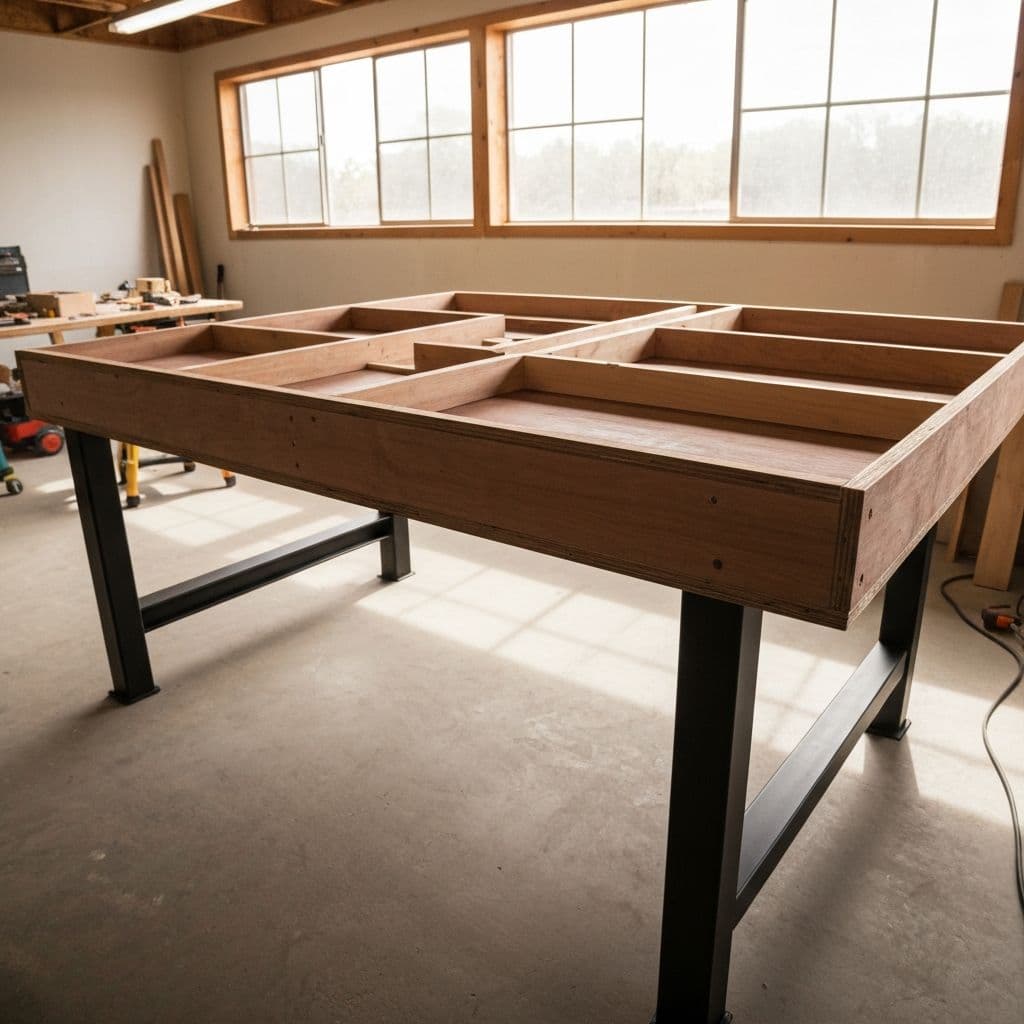
Once your plan is finalized: 1. Print track templates at full size 2. Transfer to benchwork (or trace through paper) 3. Lay track following the plan 4. Verify as you go—plans occasionally miss details 5. Adjust for real-world conditions
MODELTRAINS.AI's plans include material lists, helping you purchase exactly what you need. Our AI assistant answers questions throughout construction.
Frequently Asked Questions
What is the minimum radius for HO scale trains?
While 15" is the absolute minimum, we recommend 22" as the practical minimum for reliable operation. 24-28" radius allows all modern equipment including long passenger cars to operate smoothly.
What is the steepest grade a model train can climb?
Most model trains can handle 4% grades, but 2-3% is recommended for reliable operation with longer trains. Real railroads consider 2% a steep grade. On curved track, reduce the grade percentage to compensate for additional resistance.
What software should I use for track planning?
SCARM is excellent free software with extensive track libraries. For paid options, AnyRail offers great value. MODELTRAINS.AI provides AI-powered layout generation that creates optimized plans from your requirements.
How do I make my layout more operationally interesting?
Add industries that need cars delivered and picked up. Include passing sidings for train meets. Design staging tracks to represent the 'outside world.' Use a car card/waybill system to create purposeful switching work.